
StyledHierarchy
A downloadable Unity Package
StyledHierarchy
What's the project?
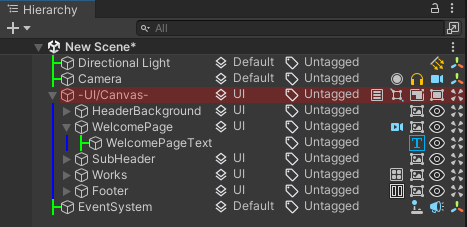
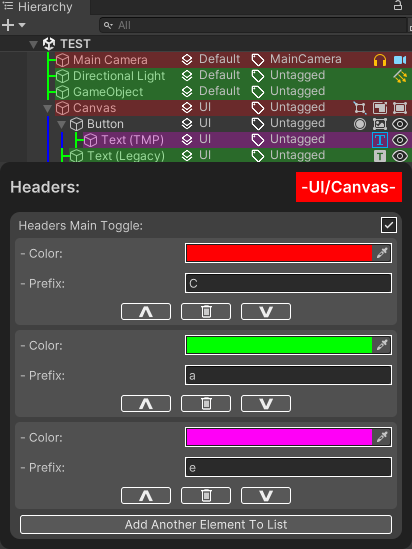
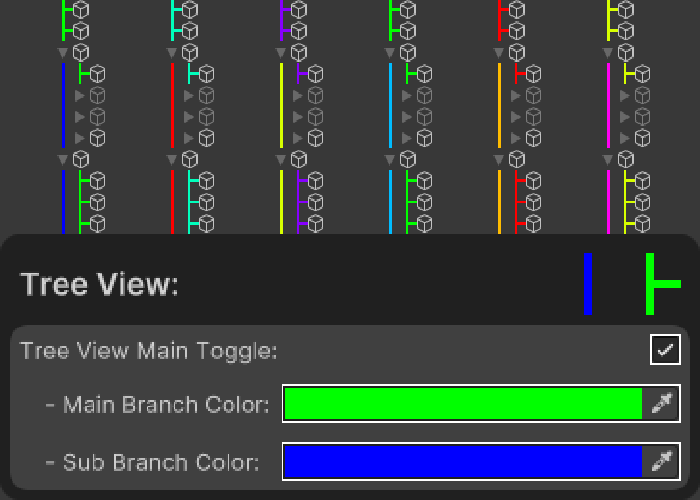
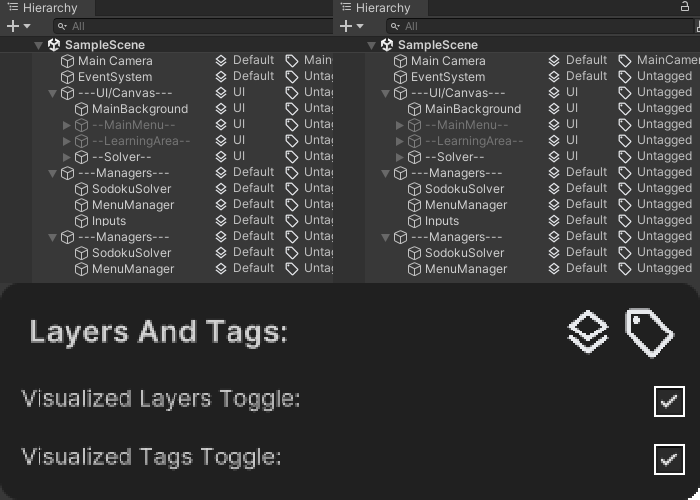
This is an importable custom Unity package (written in c#), that changes the look of the Unity hierarchy.
Installation guide:
Coming to the Unity Asset Store soon!
- Open the Unity project you want to import the package into.
Import via git URL (requires Git):
- Click Window > Package Manager > + Icon.
- Add Package from git URL.
- Copy and paste this link:
- https://github.com/IAmAGameDev/StyledHierarchy.git
Why create it?
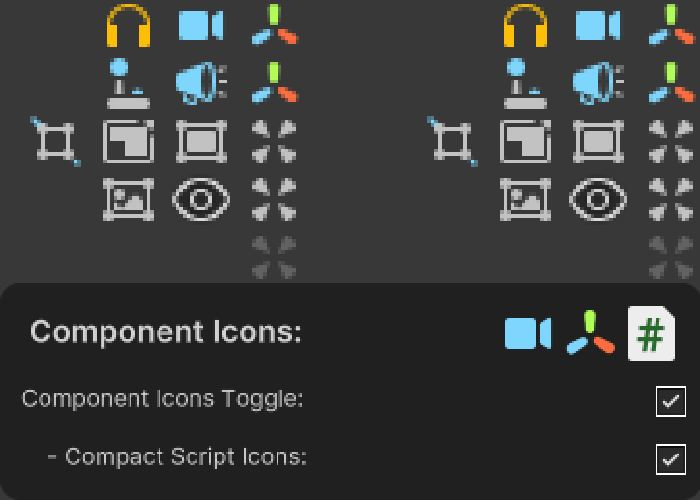
This was an educational project which taught me how to first use Unity editor scripting techniques. The project makes the Unity hierarchy look less bland and also helps with coding new projects, for example, if you are using "Component.CompareTag("enemy")" and notice that on the enemy GameObject it states "Enemy" it will fail the string check. This project helps in other ways too by seeing what components are attached to all GameObjects.
Learning outcomes:
- Unity Editor scripting with use of custom methods such as:
- InitializeOnLoad,
- EditorApplication.hierarchyWindowItemOnGUI,
- GUIStyle,
- and more.
- UXML visual tree style sheets (allows changing the inspector to hide and display custom values with the Unity UI Toolkit).
- Enhanced ScriptableObject usage by learning to use classes to store/cache multiple data to prevent repeated checking which in turn saves resources..
Assets used:
The Tag and Layer images was obtained from (Google Fonts).
Source code & Bug reporting:
You can find the source code here: https://github.com/IAmAGameDev/StyledHierarchy, along with bug reports which can be reported at the same link.

Leave a comment
Log in with itch.io to leave a comment.